App Interface
Managing Sets
The first essential concept to familiarize yourself with in this app is the Set. A Set is like a toolbox for boxing, where various Scores are organized by theme within each Set. The screen below displays a Set named "My combos," which is created by default.
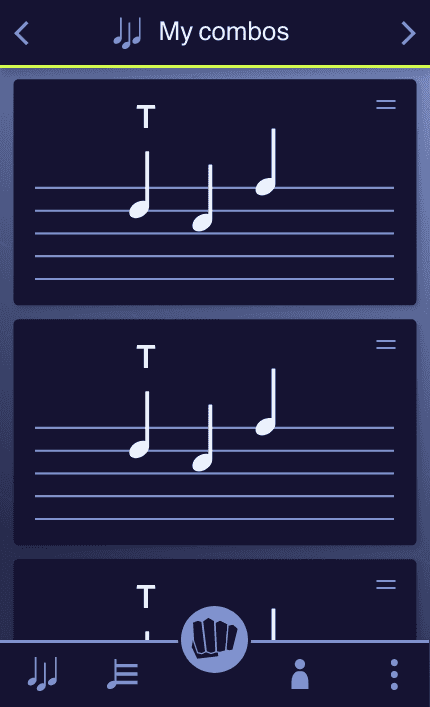
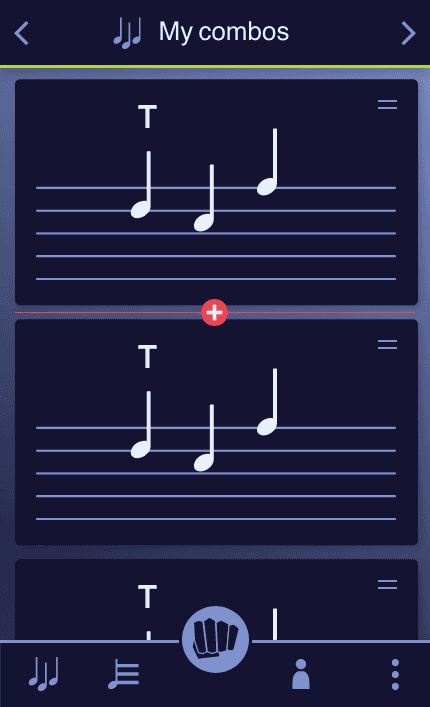
If a Set grows lengthy over time, scrolling all the way to the bottom each time a new Score is added could become tedious. Since it's important in this app to be able to take quick notes on Scores, new Scores can be inserted between existing ones by tapping between them.
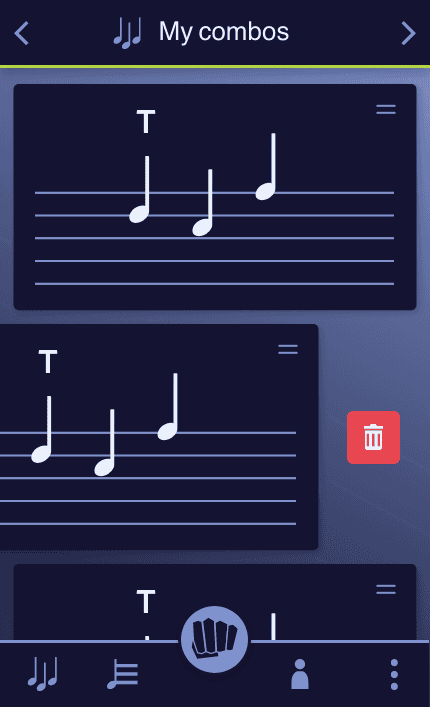
Swiping left on a Score allows the user to delete that particular Score.
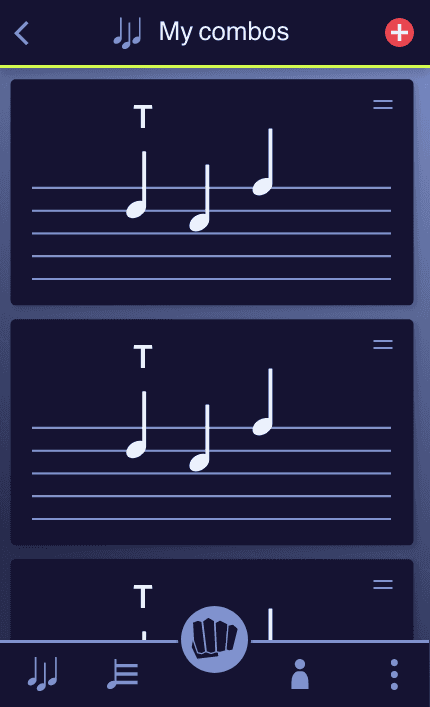
Once users understand the app’s basic structure, they might want to create new Sets tailored to their training needs. To make adding new Sets easy, a plus button is available in the header on the screen displaying the last Set, allowing users to add new Sets.
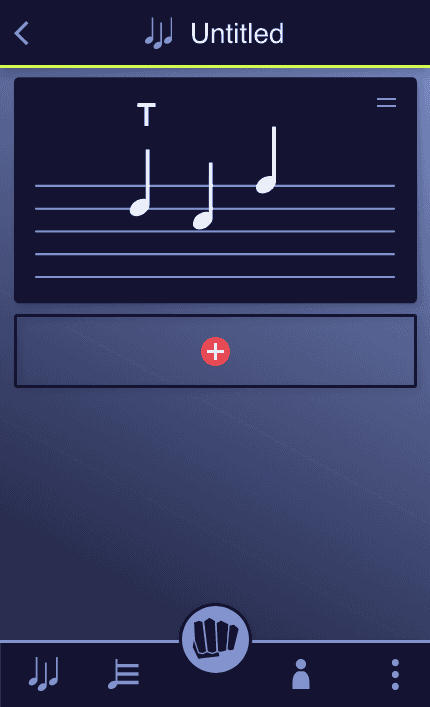
When a Set is added, it is initially named "Untitled," and users can start adding their Scores to it as they wish.
Managing Scores
Tapping on a Score within a Set opens a playback screen where users can review the boxing actions represented by the Score. During playback, the sounds assigned to the Score play alongside the visual display, highlighting the specific parts of the Score currently playing. For users who may not yet associate the Score with boxing movements, a 3D CG model also visually performs the boxing movements in sync with the Score.

Tapping the top right corner of the Score details screen opens the Score editing screen. The same interface is used for creating and editing Scores.
Tapping on the staff lines allows users to place Score elements at any desired position, with yellow circles indicating the operable areas. Tapping the topmost yellow circle allows users to add a distance marker. Tapping the second yellow circle cycles through quarter/eighth notes and variations for kicks. The third yellow circle from the top is for modifying the note head, which indicates whether the punch is aimed at the head or body. The fourth and fifth circles are interfaces for adding Defense and Step notations, respectively.
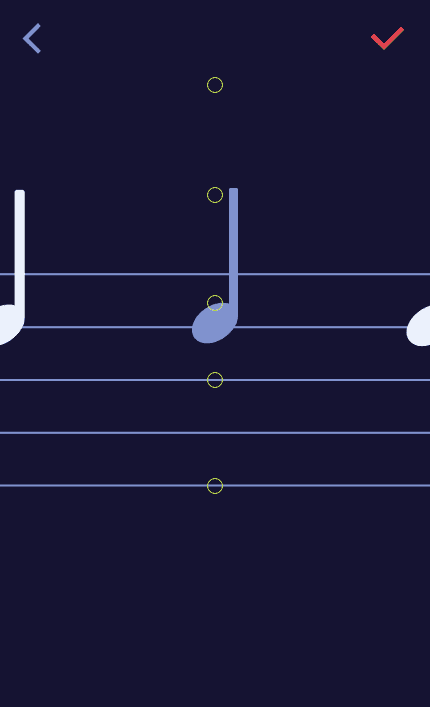
The fourth yellow circle, while primarily a trigger for Defense notation, might also be tapped to represent an uppercut. Therefore, users are required to hold down this circle to input a Defense notation. Taking inspiration from gaming interfaces, a gauge will appear during the 0.5-second hold to indicate the required press time.
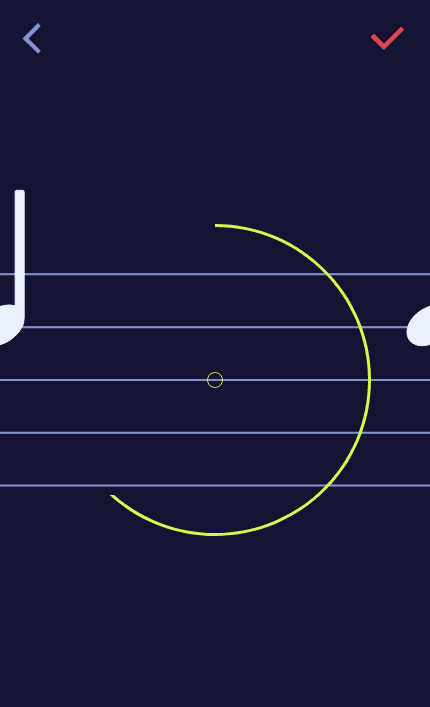
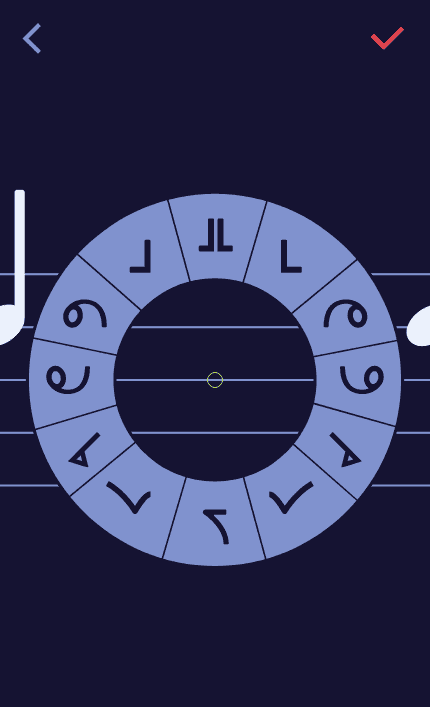
Holding down for the required time displays a wheel for selecting Defense notations, which we’ll refer to as the Input Wheel. Users can select a Defense notation from the Input Wheel, and it will appear in the correct position on the staff.
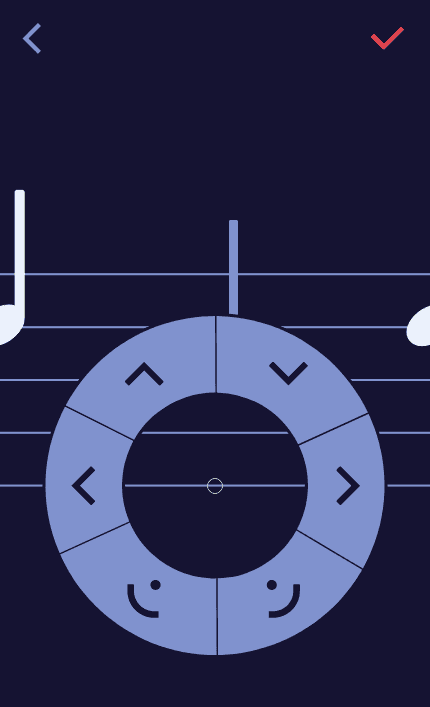
The fifth yellow circle also brings up the Input Wheel, allowing users to input Step notations, similar to the Defense notations.
Shadowboxing Mode
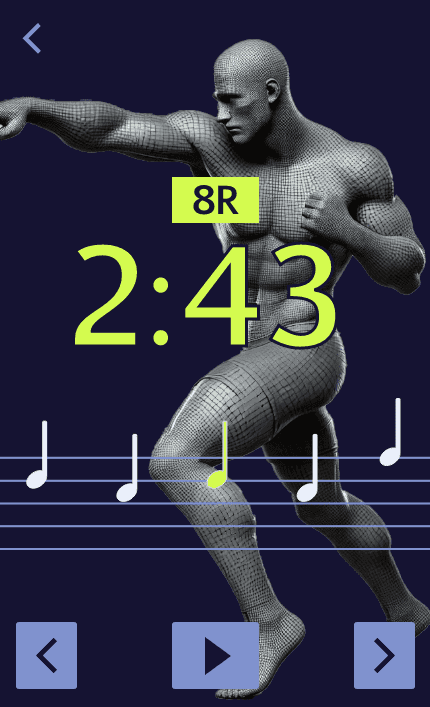
With this app, boxing movements can now be organized into Scores. Another goal of this app is to offer a new shadowboxing experience. By tapping the fist icon in the center of the global menu (also the app’s logo), users can start the shadowboxing mode. During shadowboxing, the Scores defined in the Set are played in sequence. Since users can't look at the screen constantly during shadowboxing, audio cues convey the action details. Additionally, 3D CG representations of the actions are displayed as supplementary visual aids for users not yet familiar with the sound-action associations.
Managing Menus
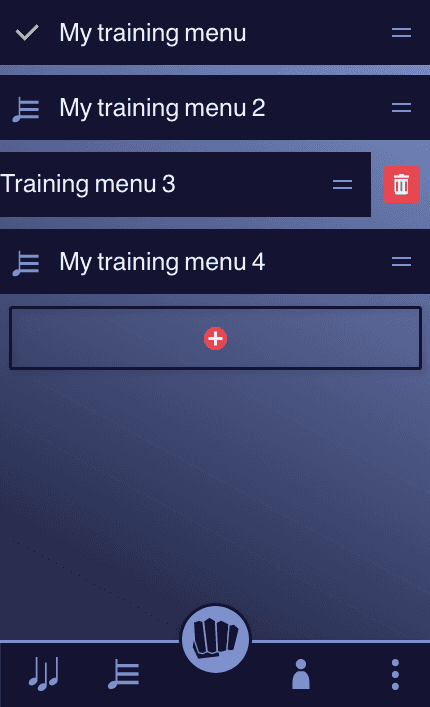
Shadowboxing usually spans multiple rounds, so setting options like assigning Sets to specific rounds is necessary. This is where the Menu object comes in. Below is a screen showing the Menu list.
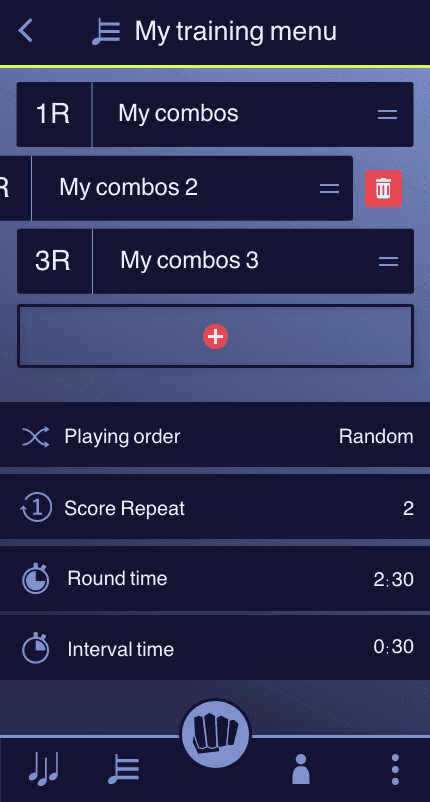
In addition to assigning Sets to rounds, the Menu editing screen allows for various settings, such as round and interval length, number of times each Score is repeated, and playback order. More editing options for Menus may be added as the app is developed.
Additional Features
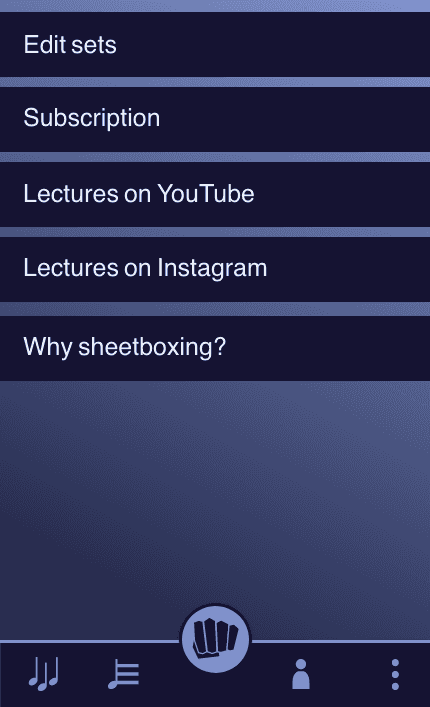
These screens likely cover the main features, but additional pages are available for account management and detailed settings.