Prototype Development
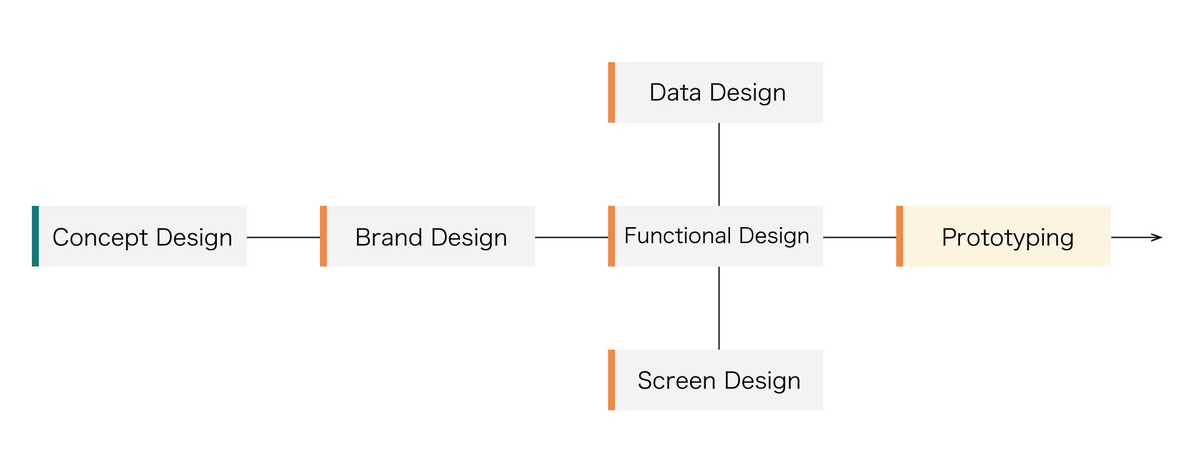
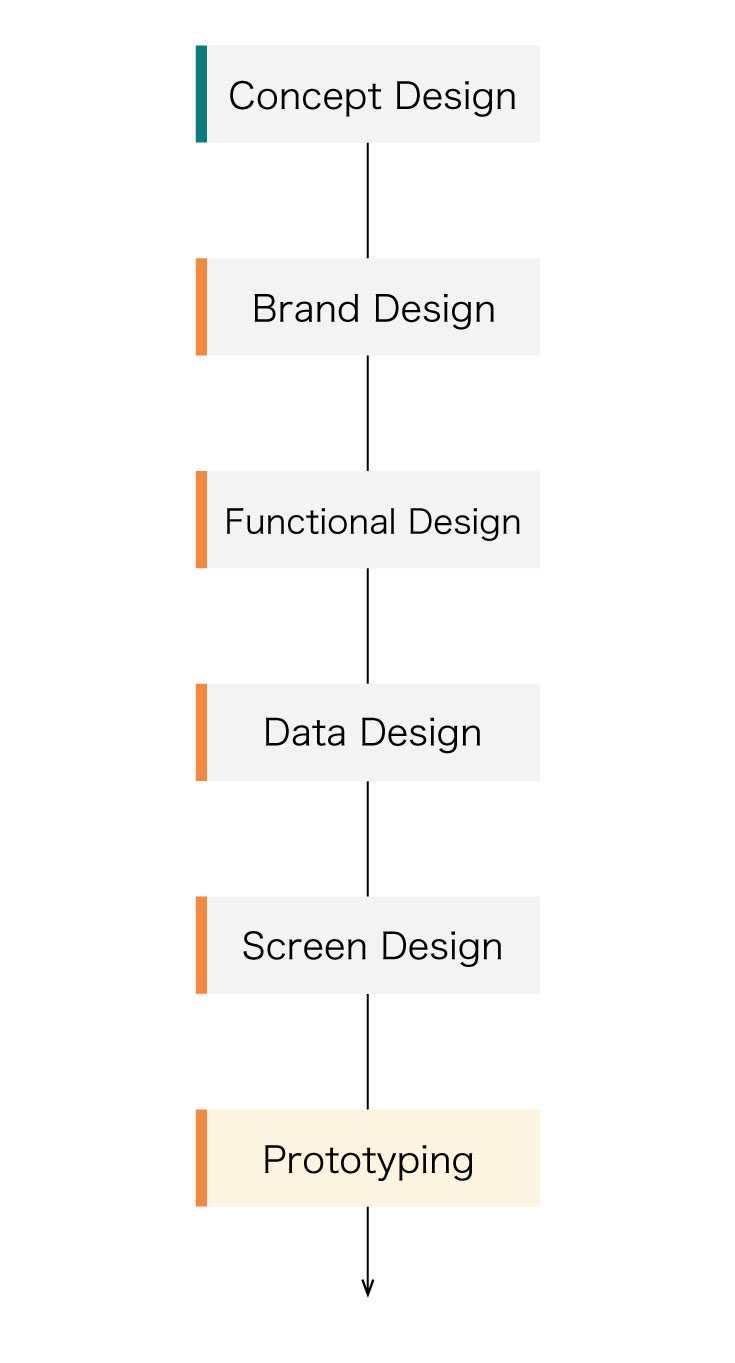
With the technical concerns confirmed, we proceed to develop a prototype. The purpose of creating a prototype is to enable a tangible experience of the concept I’ve envisioned—not just describing it in words or imagining it. Once the experience can be physically shared, it allows others to evaluate the idea, making it socially and objectively assessable for the first time.
Anyone who has tried to realize a new idea knows the struggle of explaining it accurately to others. No matter how carefully we choose our words, conveying a mental image before the idea exists usually fails. Even if someone agrees with your idea, they may only do so based on their interpretation. Viewed from another perspective, you, fervently envisioning an unproven concept, might appear more fanatical than rational.
Thus, a prototype is created to test whether the imagined experience works as intended. For SheetBoxing, as considered in What You Can Do with the App, the primary value lies first in being a “combination notebook” and secondly as a “shadowboxing guide.” This prototype will focus on these two core functionalities.
Combination List and Detail Screens
When the app is first opened, it displays a screen with vertically stacked cards resembling fragments of sheet music. At first glance, these appear to be musical notes, but upon closer inspection, you’ll notice unfamiliar symbols. These are actually punch movements represented as boxing scores, each indicating an individual punch. In other words, each card displays a score that represents a single combination.
Tapping one of the cards brings up Autoboxer in a fighting stance. A play button appears as well; clicking it makes Autoboxer perform punches while the score below is highlighted in sequence. If your smartphone sound is on, audio plays alongside the action. Users will begin to realize that these symbols correspond to boxing movements. This screen is intended to help users, especially those not yet familiar with reading scores, visually connect each score with the corresponding boxing movement through playback functionality.
Combination Input Screen
When using the app, entering and modifying scores should ideally be simpler than the handwritten representation using staff notation proposed in Written Language for Boxing. Boxing scores require selecting from 30 types of actions for each move, combining offense, defense, and steps, creating a relatively complex interface. The biggest challenge in development is ensuring users can easily input both the lead uppercut (500) and defense symbols, even though their display positions overlap.
For offensive actions, I adopted the most intuitive method—tapping the staff to input data. Other symbols, such as distance, defense, and step, are activated by long-pressing to display an input wheel. Typically, long-pressing provides auxiliary functions, so relying on it as a primary action in this interface is a concern.
If the input method is unclear, the app’s value as a “combination notebook” is significantly compromised, and users may lose interest. To address this, a demonstration video is provided on the input screen. Additionally, although it wasn’t initially planned during screen design, Autoboxer now performs the input actions as they’re entered. Nevertheless, the input screen may still receive complaints if commercialized, potentially requiring further consideration.
Looking ahead, if the app is to support striking martial arts beyond boxing, including foot techniques, the offensive action input will need to expand, including adjustments to indicate the direction of symbols. However, the prototype’s purpose is to test the core value of a “combination notebook,” so these aspects will be addressed later.
Shadowboxing Feature
Previously, I used a boxing timer app for shadowboxing when I couldn’t go to the gym but wanted to practice on my own. Pressing the "Start" button initiates shadowboxing with a gong, marking the start, and after a preset round time, the interval begins. In this respect, it functions similarly to a boxing timer app, assisting shadowboxing.
The difference here is the continuous audio cues throughout the round, providing direction for each upcoming move. This makes the shadowboxing experience comparable to mitt work, where a coach guides combinations. In shadowboxing, we tend to default to familiar moves, but with an audio guide, boxers are prompted to respond to combinations, ultimately expanding their repertoire of movements.
The service is here: https://app.sheetboxing.com/